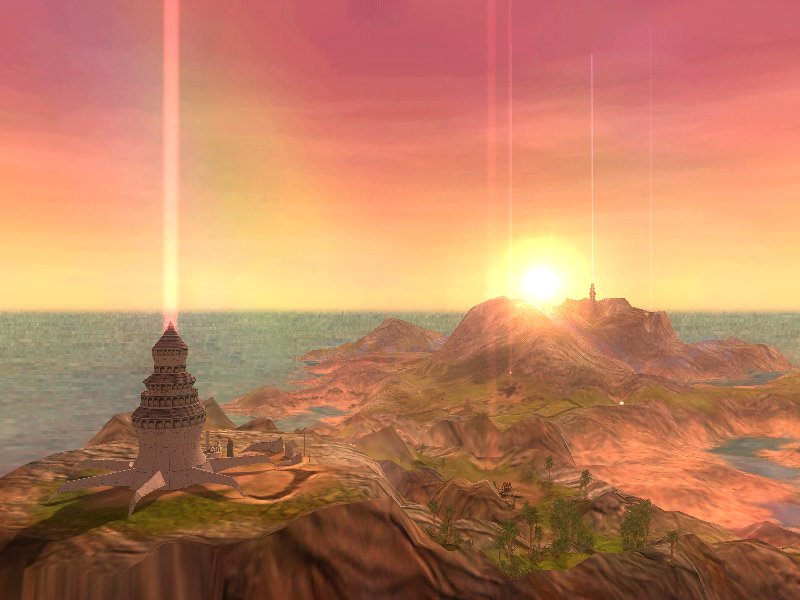
Running Black & White on Windows 10

So i've just installed and run succesfully B&W on windows 11 though it first didn't even let me run setup.
For all those having problem running setup, or getting error on InstallShield6:
Mount CD. Go to CD folder and right click on setup.exe -> propereties and tick "Run as Administrator" option -> OK. Now open start menu (windows button on keybord) and typy CMD but don't press enter, instead right click on it and select Run as Admininstrator. Then in CMD type the CD location for example "E:" which will change commands location to B&W CD.
Lastly just type "setup.exe" and instalation will start. From this You will follow previous instructions (Patch 1.1 1.2 1.42 and Audio)
Sadly i couldn't run my native Polish version.

1757361172055.png
 
Hi there, my problem is with the installation of the patches. I have the game installed in C:\Games\Black & White and when I try to apply the patches I get the following messages; "Neither command line parameter specified is an existing directory" and "You do not have the correct version of Black & White installed to use ". Only thing I've done after the install is add the creature unlocks and Village Banter. Have also tried running patches as admin. and no joy...Any and all help is more than welcome.

And figured out my mistake. Got it patched an running, fingers crossed all continues to go well. Matt, you're a legend for this fixes/patches. :)
I have the same issue! what was your mistake?
 
Back
Top