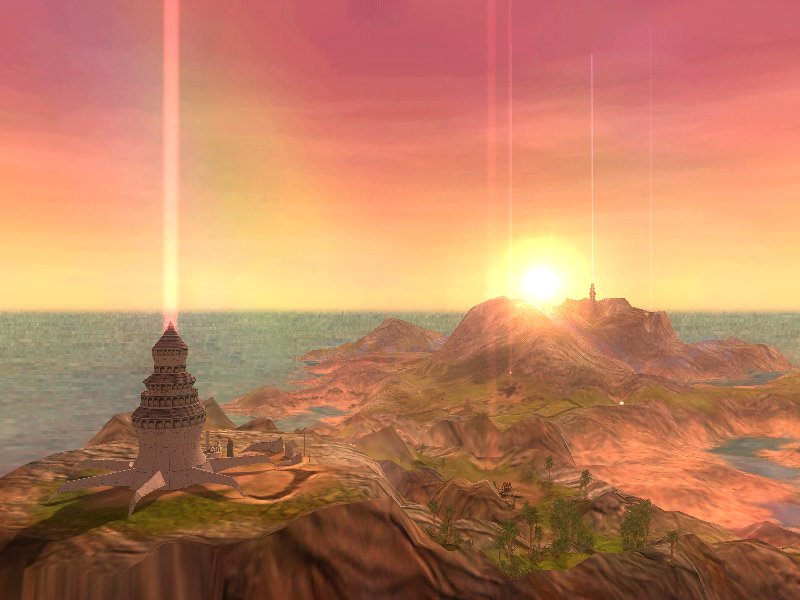

Fixes game's oversight where your creature stops growing during locomotion
or when it's on a leash, or doing your ordered command.
Usage:
1) Drop "Creature Growth Patch.exe" in "Black & White" folder;
2) Run the program;
- If you haven't installed the patch before, the program will install it
on any (runblack.exe, CreatureIsle.exe, BWUltimate.exe) game's exe it'll find
- If you already installed it, the program will ask you to revert the changes
for each chosen file
You can also drag and drop any game's '.exe' on the patch, so you can modify only
one file but the first method is more preferable.
IMPORTANT NOTES:
- Interaction Freeze: The creature still stops growing when you focus on it
(holding Right Mouse Button) and the needs window is visible. As soon as
you release it, growth resumes. Note: Following with the "C" key does NOT
stop growth.
- Growth Spikes: Occasionally, the growth and needs rates may double.
The exact cause is unknown (potentially related to engine tick-rate or
legacy features), but it does not break the patch functionality.
Additionally, you can download the "B&W Creature Growth Monitor" tool to track your creature's growth value and rate in real-time. It was created to demonstrate the original bug and verify the fix. Detailed information can be found in the Readme inside the monitor's archive.
Additional notes for monitor tool:
- The game must be running in Windowed Mode for the Monitor to remain visible on top. (If you're in Fullscreen, you'll need to Alt-Tab to see the data).
- Tested and verified on the latest unofficial fan patches.
or when it's on a leash, or doing your ordered command.
Usage:
1) Drop "Creature Growth Patch.exe" in "Black & White" folder;
2) Run the program;
- If you haven't installed the patch before, the program will install it
on any (runblack.exe, CreatureIsle.exe, BWUltimate.exe) game's exe it'll find
- If you already installed it, the program will ask you to revert the changes
for each chosen file
You can also drag and drop any game's '.exe' on the patch, so you can modify only
one file but the first method is more preferable.
IMPORTANT NOTES:
- Interaction Freeze: The creature still stops growing when you focus on it
(holding Right Mouse Button) and the needs window is visible. As soon as
you release it, growth resumes. Note: Following with the "C" key does NOT
stop growth.
- Growth Spikes: Occasionally, the growth and needs rates may double.
The exact cause is unknown (potentially related to engine tick-rate or
legacy features), but it does not break the patch functionality.
Additionally, you can download the "B&W Creature Growth Monitor" tool to track your creature's growth value and rate in real-time. It was created to demonstrate the original bug and verify the fix. Detailed information can be found in the Readme inside the monitor's archive.
Additional notes for monitor tool:
- The game must be running in Windowed Mode for the Monitor to remain visible on top. (If you're in Fullscreen, you'll need to Alt-Tab to see the data).
- Tested and verified on the latest unofficial fan patches.

